
Technical support for a WordPress website
WordPress technical support
 Wordpress · Update and support
I update WordPress, themes and plugins safely, without any risk of data loss or disruption to the website. Before updating, I check that all components are compatible, create a backup and test the website once the work is complete.
I usually reply within 10–20 minutes
Web development · Updating WordPress, themes and plugins
Outdated versions of WordPress, themes and plugins can lead to security breaches, errors and performance issues. I carry out updates whilst ensuring all components remain compatible, test the website’s functionality after installing new versions and, where necessary, resolve any conflicts that arise. I work with WooCommerce, Elementor, ACF, WPML, Yoast SEO, Rank Math and other popular plugins.
What can be fixed
Show the taskQuick contact
Or write in a convenient messenger and send a link to the site or a screenshot of the problem.


My specialization
Additional services for WordPress
WordPress technical support

I update, maintain and look after the website.

I’m fine-tuning the shop to suit your needs.

I’m improving the security of my WordPress site.

I remove viruses and malicious code.

I am preparing the website for effective promotion.

Quick website migration with no downtime.

I’m reducing the website’s loading time.
Without chaos and unnecessary technical words
At the first stage, it is enough to briefly describe the problem. After that, I analyze the task and explain what can be done.
Send a link to the site, a screenshot, or a short description of the problem.
I check where the problem occurs and what files, modules, or settings may be involved.
I explain what needs to be done, what options are available, and how long it may take.
I make the changes, test the result, and show the finished solution.
Safe update
Regular updates help to protect the website from vulnerabilities, maintain compatibility with modern technologies and ensure the project runs smoothly. I carry out updates in stages to minimise errors and quickly resolve any potential conflicts.

I check the compatibility of WordPress, PHP, themes and plugins before updating, to prevent any potential errors.

I back up the files and database before updating, so that I can quickly restore the website if necessary.

I resolve errors and conflicts following an update, restoring stable operation of WordPress and all the website’s features.

After the update, I check the website, WooCommerce, forms, email and the admin panel to ensure everything is working smoothly.
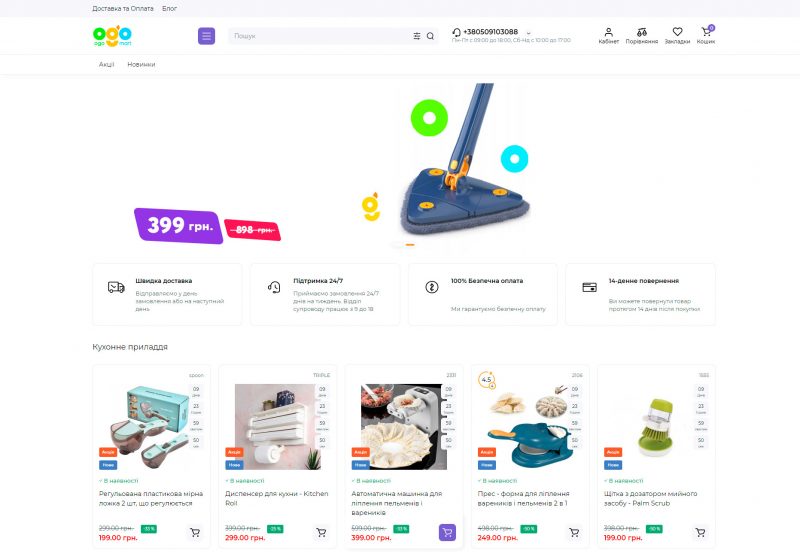
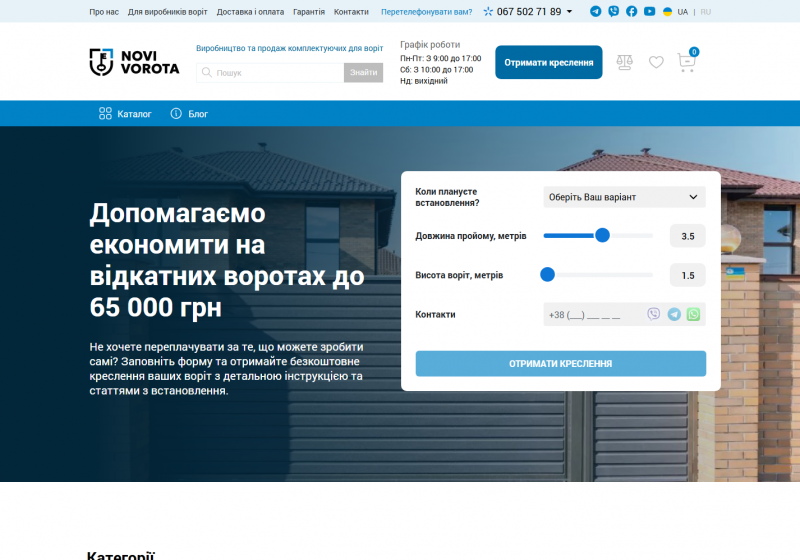
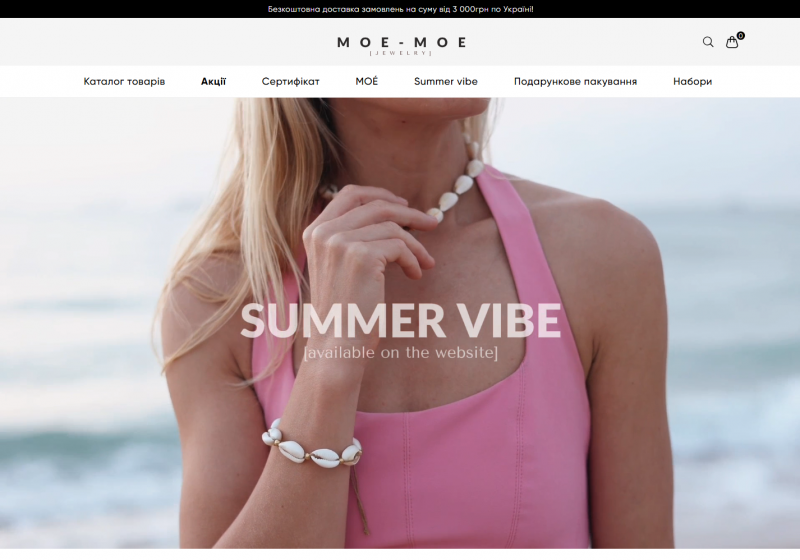
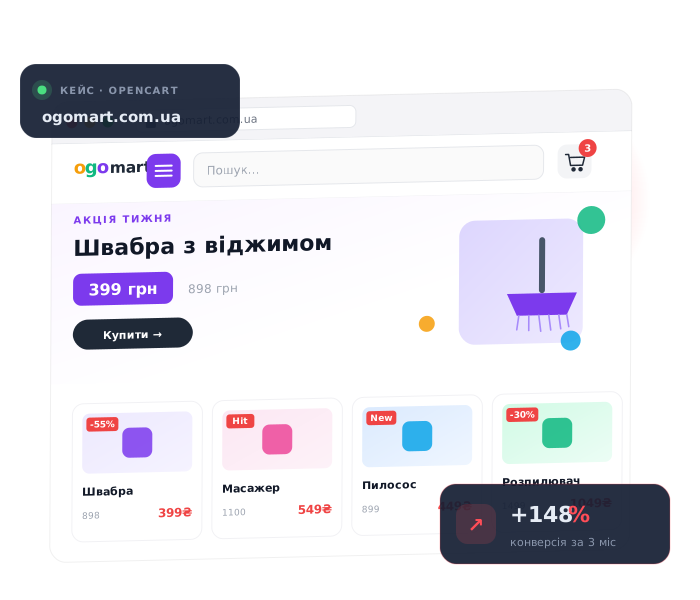
Work examples
Most interesting projects cannot be published publicly, but if you need more examples, write to me
Profiles and reviews
In my free time, I manage several social networks and often post useful information on development and business topics.
Cross-linking
If you need not only the current service, but also a website, advertising, or improved client communication.
Need help?
You can simply send a website link, a screenshot, or a brief description of the problem. For a faster response, please contact us via Telegram.
 Email: [email protected]