
WordPress website development
I develop modern, turnkey websites.
 Wordpress · Update and support
I will migrate your website to WordPress on a new hosting provider, VPS or dedicated server without any data loss or prolonged downtime. I will transfer the files, database and email (if required), set up SSL and DNS, and check that the website is working correctly after the migration.
I usually reply within 10–20 minutes
Web development · Moving WordPress to another hosting provider or server
If your current hosting service is slow, frequently unavailable or no longer suits your budget, I can help you migrate your website to a new provider. I carry out a full WordPress migration, preserving the site’s structure, database, images, SEO and settings. I work with cPanel, ISPmanager, Plesk, DirectAdmin, Cloudflare, LiteSpeed, Nginx and Apache.
What can be fixed
Show the taskQuick contact
Or write in a convenient messenger and send a link to the site or a screenshot of the problem.


My specialization
Additional services for WordPress
I develop modern, turnkey websites.

WordPress technical support

I update, maintain and look after the website.

I’m fine-tuning the shop to suit your needs.

I keep the website up to date.

I’m improving the security of my WordPress site.

I remove viruses and malicious code.

I am preparing the website for effective promotion.
Without chaos and unnecessary technical words
At the first stage, it is enough to briefly describe the problem. After that, I analyze the task and explain what can be done.
Send a link to the site, a screenshot, or a short description of the problem.
I check where the problem occurs and what files, modules, or settings may be involved.
I explain what needs to be done, what options are available, and how long it may take.
I make the changes, test the result, and show the finished solution.
Secure migration
I take care of the entire migration process — from creating a backup to the final check of the website on the new server. After the migration, I check that the pages, forms, WooCommerce, SSL certificates, email and other important features are working properly, so that the website continues to operate as normal.

I’m migrating WordPress, including the files, database and settings, whilst retaining all functionality without the need for reconfiguration.

I am planning the migration with minimal downtime to avoid losing customers, orders and website availability.
I configure PHP, MySQL, SSL, caching and the server, optimising WordPress for stable and fast performance.

After the migration, I check the website, forms, WooCommerce, email and all functionality to rule out any errors before going live.
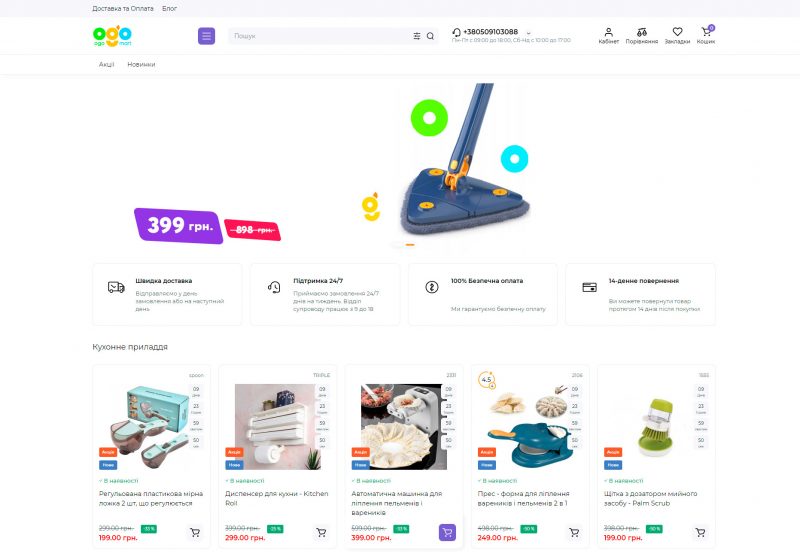
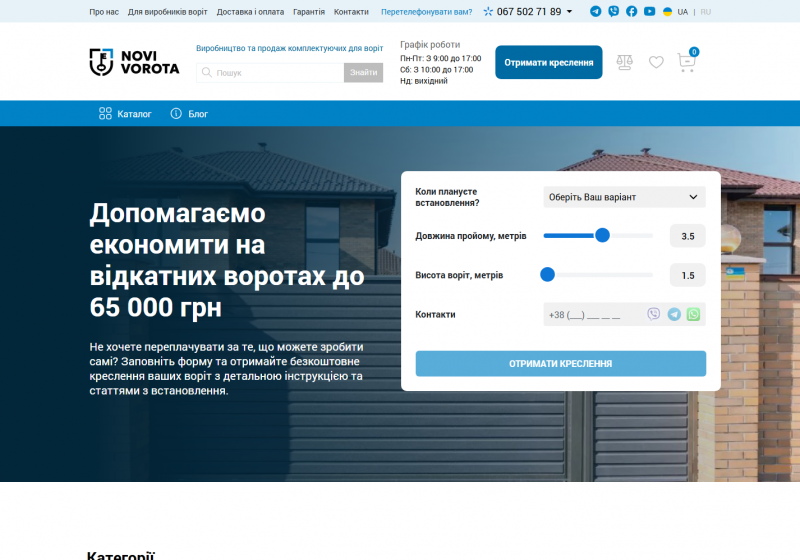
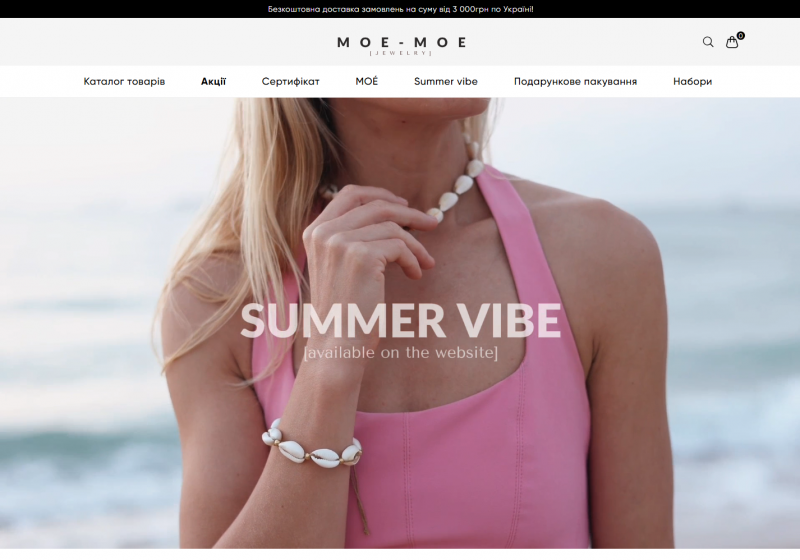
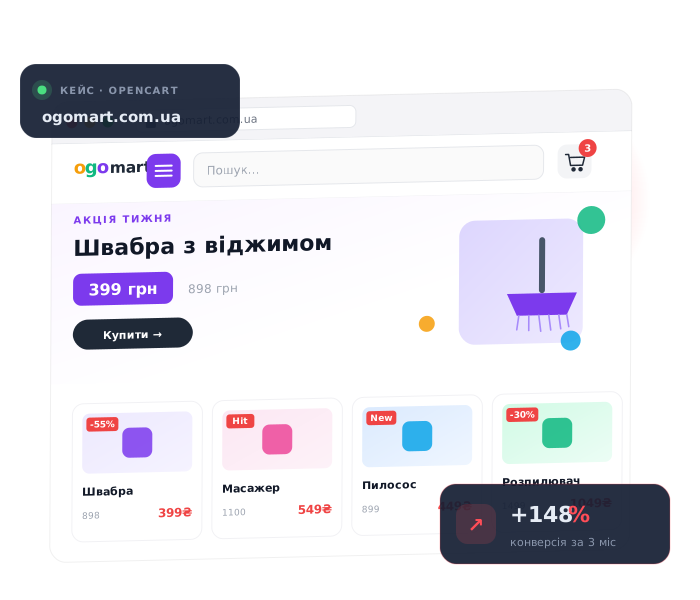
Work examples
Most interesting projects cannot be published publicly, but if you need more examples, write to me
Profiles and reviews
In my free time, I manage several social networks and often post useful information on development and business topics.
Cross-linking
If you need not only the current service, but also a website, advertising, or improved client communication.

I am preparing the website for promotion.

Turnkey online shops of any complexity on OpenCart

I’m automating notifications via Telegram.

I’m fixing bugs and adding new features.
Need help?
You can simply send a website link, a screenshot, or a brief description of the problem. For a faster response, please contact us via Telegram.
 Email: [email protected]